

Home / All Courses / Photoshop

Become an Adobe Photoshop Expert.

Photoshop workspace, layers, masks, retouching, colour correction, compositing, text effects, smart objects, batch processing, print & web output optimisation.

PHOTOSHOP
New Batches Starting - REGISTER Now:
Get FREE DEMO & Career Guidance

Course Curriculum

A structured 2-month program covering Adobe Photoshop fundamentals to advanced image editing, photo retouching, and graphic design techniques.

Module 1: Photoshop Fundamentals
  • Introduction to Photoshop
  • Vector vs Raster Graphics
  • Photoshop Interface
  • Resolution & Color Modes
  • Working with Selection Tools
  • Using Layers & Layer Panel
  • Layer Palettes
  • Saving Images & File Formats
  • Apply Blending Options
  • Add Layer Effects
  • Layer Masking
  • Gradients & Filters
  • Image Editing Basics
  • Image Manipulation Techniques
  • Background Effects
  • HDR Toning
  • Morphing Images
  • Lighting Effects
  • Photo Effects & Splatter Designs
  • Creating Web Layouts
  • Album Sheet Design
  • 3D Design Basics
  • GIF Animation Creation
  • Logo Design (Galaxy Effects)
  • Threshold Effects

Everything You Need to Launch Your Career

Our Adobe Photoshop program is designed to give you strong design fundamentals and practical editing skills to create stunning visuals that top companies demand.

Industry-Oriented Curriculum

Crafted with inputs from senior developers at top IT companies, updated quarterly to match market demands.

Hands-on Projects

Build 5+ real-world projects—including e-commerce, REST APIs, and microservices—to showcase to employers.
Photoshop Design & Editing Mastery

Understand image editing, photo manipulation, using Photoshop with real-time examples.

Placement Support

Placement assistance with resume building, mock interviews, and career support.
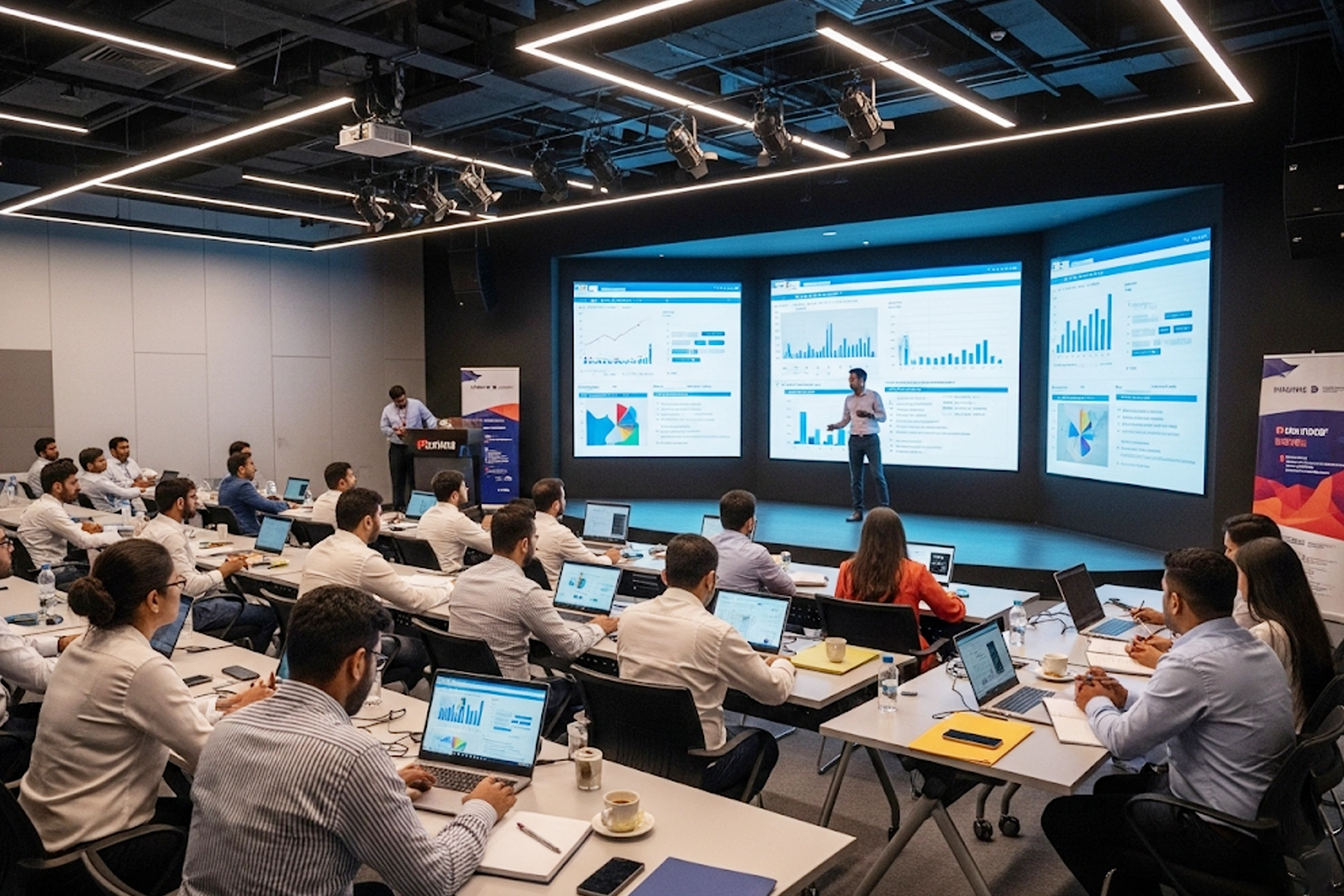
Experienced Trainers

Learn from engineers with 8–15 years of enterprise Java experience at companies like TCS, Infosys, and Wipro.
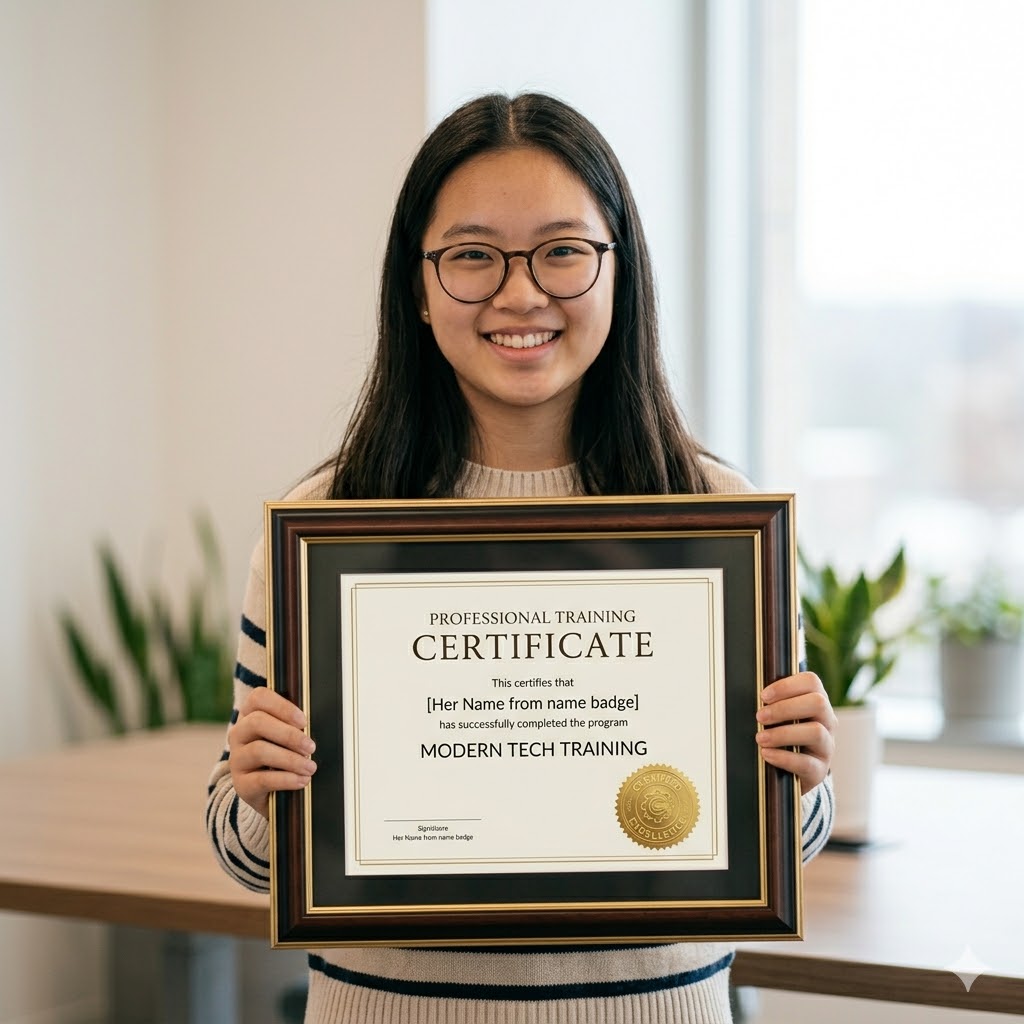
Recognised Certificate

Earn an industry-recognized APEC Training certificate valued by top companies in Hyderabad.
Technologies You'll Master

A complete Adobe Photoshop toolkit covering journal entries, ledger posting, trial balance, financial statements, and core accounting principles essentials.

Illustrator

Bridge

Lightroom

Photoshop
Photoshop

Export

Camera RAW

Capture One

InDesign

Choose Your Learning Mode

Flexible training options to fit your schedule and learning style.

Offline Classroom

Classroom Training

Learn in a professional training environment with real-time interaction, peer learning, and lab access.

Online Training

Online Training

Live instructor-led sessions via Zoom/Google Meet full classroom experience from anywhere in India.

Online Training

Weekend Batch

Weekend intensive sessions designed for working professionals and students with busy weekdays.

Frequently Asked Questions

Got questions? We’ve got answers. If you don’t find what you need, talk to our counsellors.

Adobe Photoshop is a leading graphic design and photo editing software used for creating images, banners, social media posts, and digital artwork.

Yes, this Adobe Photoshop course for beginners is designed with step-by-step guidance, making it easy for anyone to learn without prior design experience.

This Photoshop training covers tools, layers, photo editing, color correction, retouching, typography, poster design, and real-time projects.

The Photoshop course duration typically ranges from 4 to 6 weeks, depending on your learning pace and practice.

No, prior design skills are not required. This course starts from basics and gradually moves to advanced concepts.

After completing this course, you can work as a Graphic Designer, Photo Editor, Social Media Designer, or Freelancer.

Yes, this course includes practical assignments, real-time projects, and portfolio-building exercises.

Yes, Adobe Photoshop is widely used in digital marketing, media, advertising, and design industries, making it a high-demand skill.

Yes, you will receive a recognized certification after successfully completing the Adobe Photoshop training.

Yes, we provide placement support including resume building, interview preparation, and job assistance.

Ready to Become an Adobe Photoshop Expert?

Join thousands of students who transformed their careers with

APEC Training

Your first step is one click away.

You Might Also Like

Graphic Design

Adobe Photoshop, Illustrator, CorelDRAW

UI/UX

User research, wireframing, prototyping in Figma

Adobe After Effects

After Effects workspace, keyframe animation

Adobe Photoshop Training

APEC Provides Best Adobe Photoshop Course.

New Batches Starting - REGISTER Now:
Get FREE DEMO & Career Guidance
vector element of asterisk
Purple color Groupgg asterisk image

Customized ONLINE Classes available.
Attend Free Demo

Multimedia and animation training courses at APEC offers students with best multimedia training on par with industry standards and as per the market needs. Knowledge of Photoshop is a requirement for many professions in the publishing, advertising, online media and visual art industries. Photoshop gives photographers, artists and designers a stunning array of tools, to turn ordinary images into powerful visual art. APEC offers advanced training in Photoshop to achieve mastery which makes the student proficient in

  • Correcting saturation, hue and contrast
  • Retouching minor imperfections within images
  • Adding text and vector art
  • Preparing images for publication
  • Working with videos
  •  Vector graphic Vs Raster Graphics
  •  Photoshop Interface
  •  Resolution
  •  Color modes
  •  Working with selection tools
  •  Using Layers
  •  Layer Palettes
  •  Apply Blending options
  •  Add layer effects
  •  Layer Masking
  •  Saving images
  •  Printing images
  •  Apply various gradient effects
  •  Apply filters to the images
  •  Image Editing
  •  Image Manipulation
  •  Creating Web Layout
  •  Background effects to images
  •  Creating Album sheets
  •  Image HDR tonings
  •  Morphing images
  •  3d designs
  •  Apply Lighting effects
  •  Creating GIF animations
  •  Manipulating photo effects
  •  Photo splatter dispersions
  •  Galaxy logo designs
  •  Creating Threshold effects

Syllabus

CERTIFYING BODY

Adobe

CAREER PROSPECTS

Graphic designers, multimedia artists and photographers can enhance their careers by learning the intricacies of the world’s top image-editing software. In addition to professionals in the visual arts, creative individuals with a passion for scrapbooking, photography or web design may opt for the course to master the full scope of Adobe Photoshop’s capabilities

  • Photoshop Designer
  • Digital Illustrator
  • Commercial Artist
  • Creative Director
  • Art director
  • Visualiser
  • Graphic Designer

SYLLABUS:

Introduction to Photoshop

  •   Vector graphic Vs Raster Graphics
  •   Photoshop Interface
  •   Resolution
  •   Color modes
  •   Working with selection tools
  •   Using Layers
  •   Layer Palettes
  •   Apply Blending options
  •   Add layer effects
  •   Layer Masking
  •   Saving images

Different file formats

  •   Printing images
  •   Apply various gradient effects
  •   Apply filters to the images
  •   Image Editing
  •   Image Manipulation
  •   Creating Web Layout
  •   Background effects to images
  •   Creating Album sheets
  •   Image HDR tonings
  •   Morphing images
  •   3d designs
  •   Apply Lighting effects
  •   Creating GIF animations
  •   Manipulating photo effects
  •   Photo splatter dispersions
  •   Galaxy logo designs
  •   Creating Threshold effects

FAQ's

We have 2 modes of training. Classroom Training & Online Training.

IT Training courses take a maximum of 2-3 month durations & the course duration, however, depends on the availability and convenience of the learner. You can check our detailed upcoming batches, course duration & timing, fees at the course training page.

Yes, after the completion of the course. We will provide opportunity to work on our live projects.

We provide a proper certificate after completion of the course. Along with our institute certificate you will be also able to write Course Name and other certifications after completing the course.

You can expect a 10%-25% increment in salary. The overall growth depends upon how you perform and how you are beneficial to the organization.

Grow Your Career

There’s no shortage of possible career options in IT, and there’s no shortage of opportunities for promotion within specific IT niches. Full Stack Development, Data Science, ML & AI, Digital Marketing, Cloud Computing, Networking and Graphic Design all offer IT career growth and may be just right for you.